How to use your Online Image Gallery
About your online gallery
As your photographer, a few things are really important to me: you get your images quickly, they’re high-quality and beautiful, and the whole process is easy for you. Your online image gallery helps me with all of those things. This blog post will walk you through tips and tricks for using your gallery, how to download your photos, and how to order prints and albums directly from your gallery site.
Sneak Peeks
1-2 days after our session or your wedding, you’ll receive a handful of my favorite images. These will be fully edited, high-resolution, and ready for you to use for save the dates, a new phone background, to print, to share on Instagram, etc. This way you’re able to see how cute the photos turned out quickly while I work on finishing the rest of the gallery.
Full Gallery
A few weeks later, your full gallery will be uploaded to the same link as your Sneak Peeks, but in their own folder called “Full Gallery” so the new photos are easy to find. Or, if it’s your wedding gallery, each section of the day will be in their own folder: Getting Ready, First Look, Ceremony, etc. I try to organize your photos in a way you can quickly find what you’re looking for.
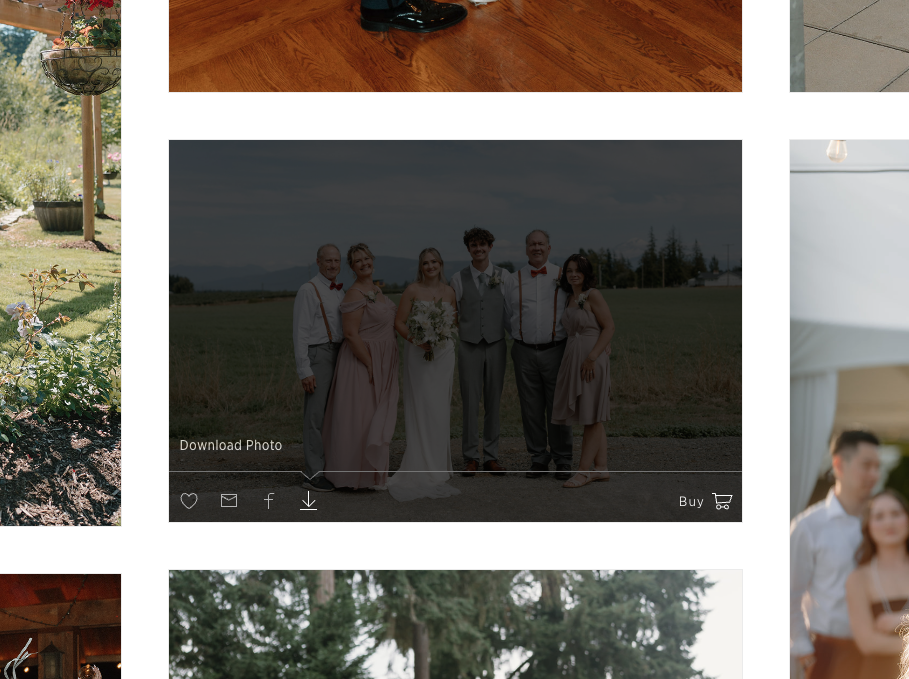
Navigating Gallery Icons
♡ — Favorite this Photo
💌 — Email this Photo (can select multiple)
f — Share this photo on Facebook
⬇️ — Download this Photo
🛒 — Order a professional print of this photo
Favoriting Photos:
As you look through your gallery, you can click on the “heart” ♡ icon to save your favorites. Once you’ve finished looking through your photos, click on the heart icon in the navigation bar, and you’ll be able to save all your favorites at once! This is the most helpful feature in the whole gallery.
Downloading your Photos:
You’re able to download individual photos, just your favorites, or the full gallery, and there are no limits on how many photos you can download. Your full gallery includes all the best images, and I want you to have them all. Your photos will be online for a year, so please download your full high-resolution gallery to your computer as soon as possible.
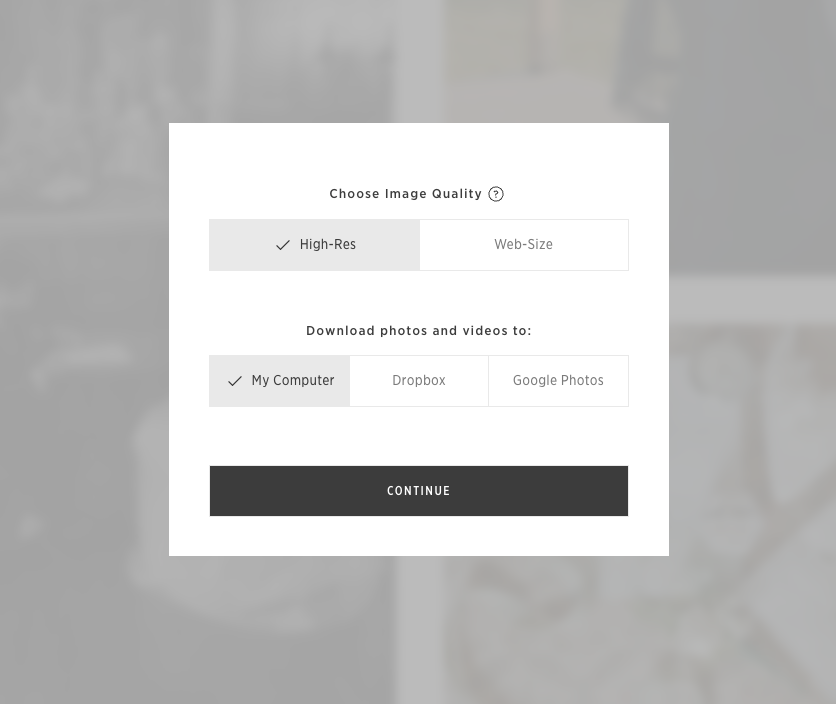
File Size Options:
High-Resolution: These are the highest quality files you’ll use to order prints & save to your computer.
Web-size: These smaller files are ideal for saving to your phone or for posting on social media.
Your Gallery Print Shop
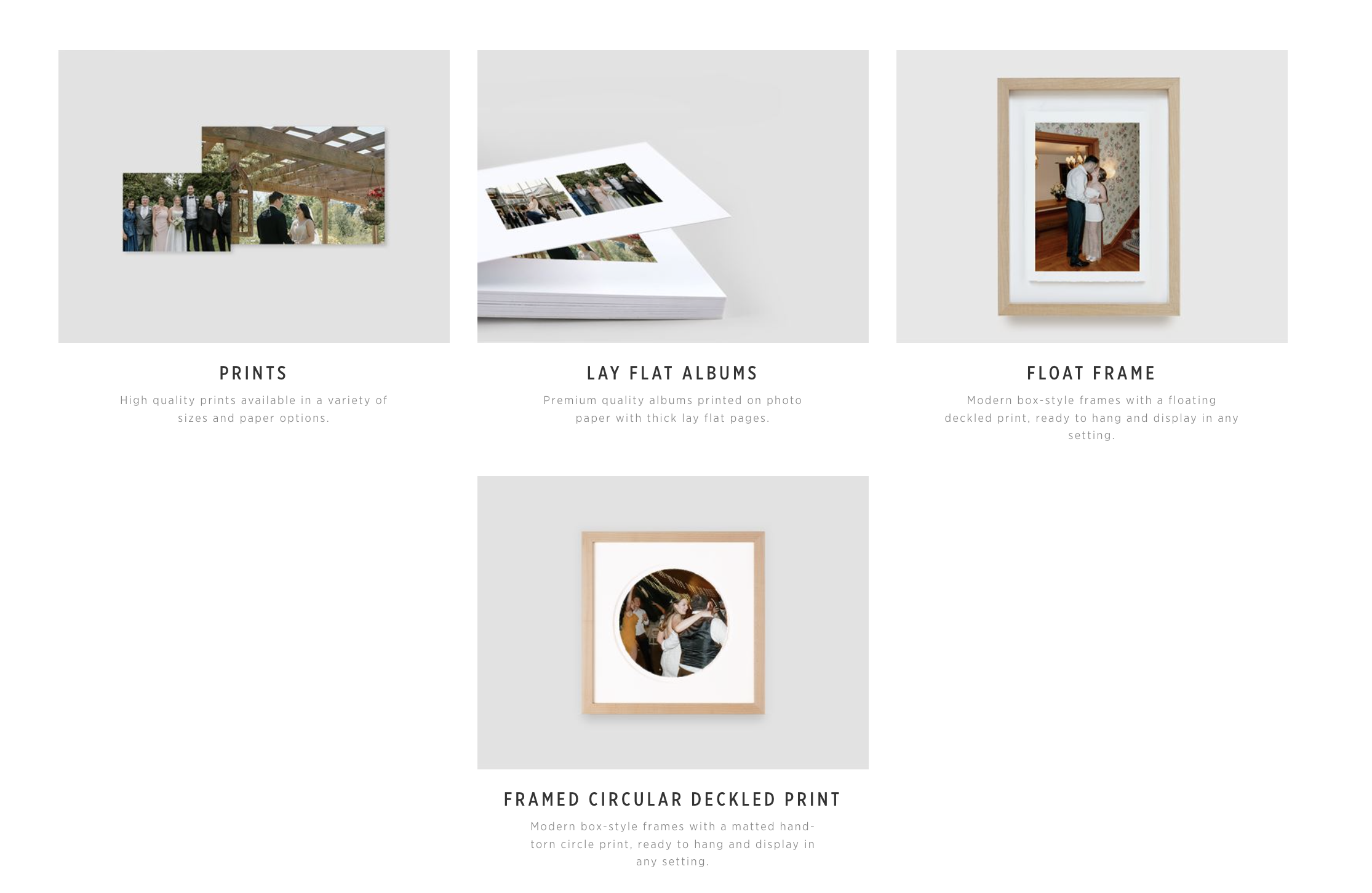
The items I selected for our print shop. My favorites are the prints and lay-flat albums.
Ordering Prints & treasures
Without even leaving your gallery site, you’re able to order prints and heirloom photo albums. The items I selected to include in the Print Shop are the highest quality items from professional print labs, that usually only photographers have access to. But you’re able to order directly from your gallery, which is really cool.
Cheaper prints don’t always get the colors right, but the professional lab prints have this depth to them. Like you can live in that moment again. They look the same as the images do on the screen. It makes a big difference.
Why I love the print shop option
You can order keepsakes directly from your gallery, which makes it so easy to start cherishing your memories right away.
Prints coming from your gallery are printed on the highest quality photo paper and meant to last 100+ years, which is why they cost more than they would elsewhere. If you want to frame a few prints in your home, I highly suggest ordering these!
You’re also welcome to print your photos wherever you’d like! Drugstores are great when you need photos fast, and selecting the matte option makes them look better! But if you’re wanting photos to cherish forever, but still very affordable, I highly recommend Mpix. :) They’re cheaper than Walgreens and way better quality. They always have sales, too! They’re owned by my favorite professional print lab.
Automatic Album Feature
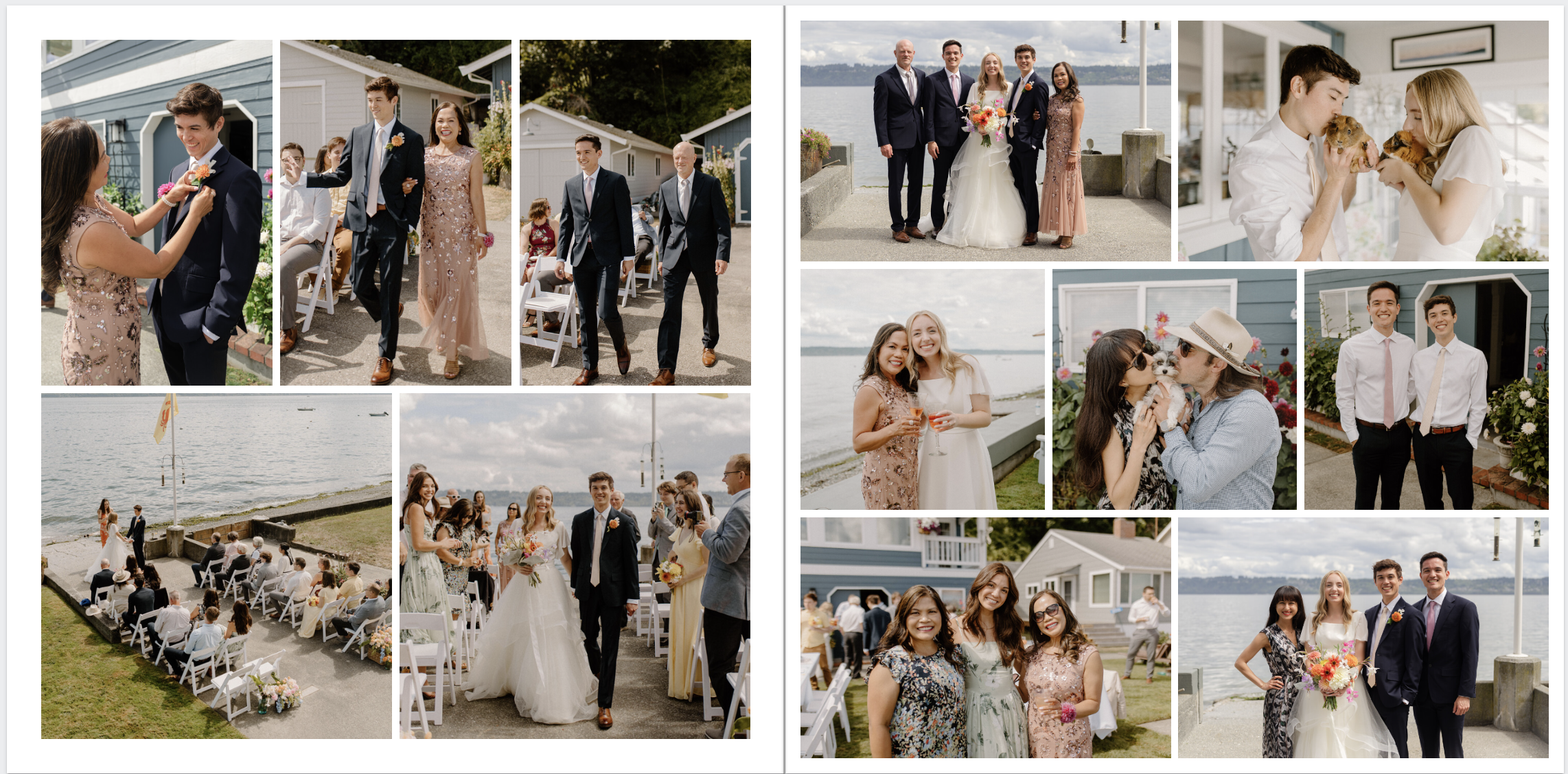
Screenshot of one of the spreads from Josh & I’s wedding album :)
The coolest feature in your gallery is that you can automatically create an heirloom quality lay-flat album. When you receive your full wedding gallery, I know it’s overwhelming. All of a sudden, you have hundreds of special photos to sift through. I made a wedding album after our wedding, and so much thought and time went into selecting images, organizing the photos, and the design and layout. I personally enjoy doing projects like this, but I know not everyone does.
When you select the album in the shop, there will be a pop up asking if you want it to create an album for you, and it’ll create it in seconds. You also have total control and can change the layouts, images, and design. These albums are coming from one of my favorite professional print labs, and it’s so neat that you have access to them directly through your gallery site.
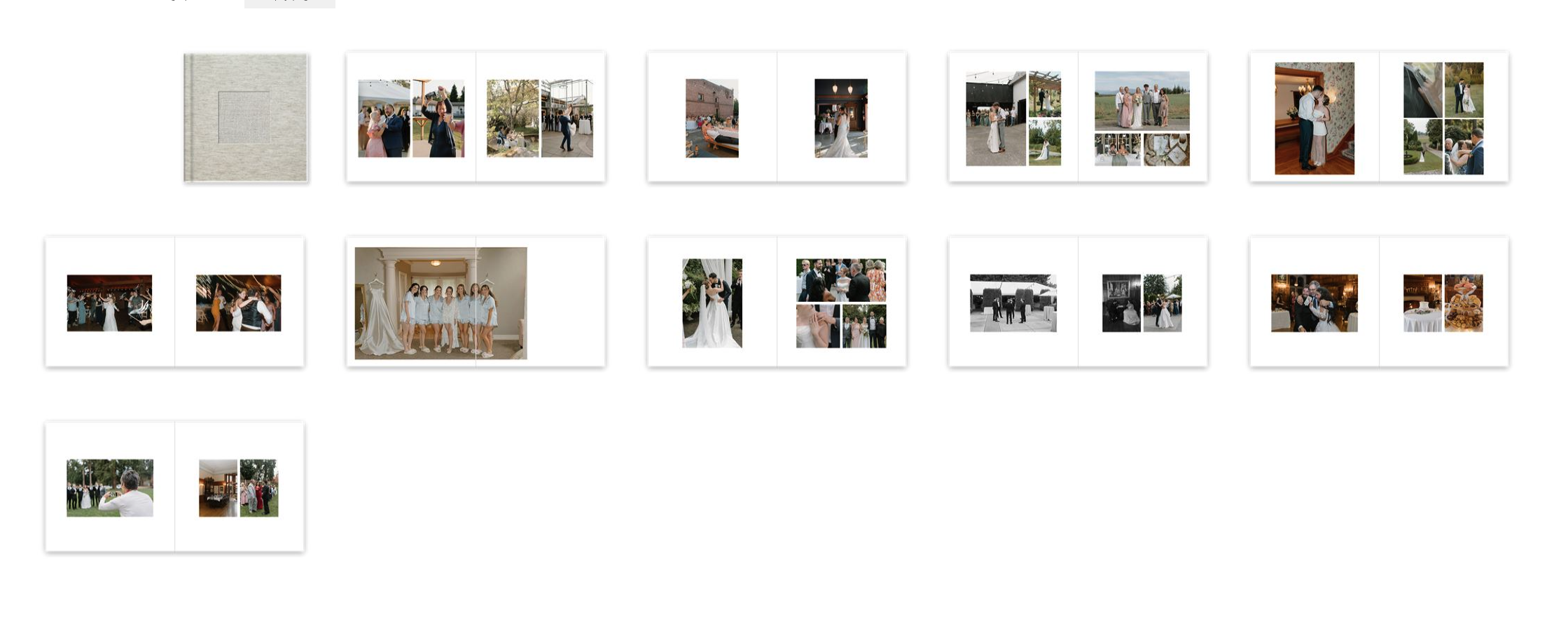
Example of an automatic album
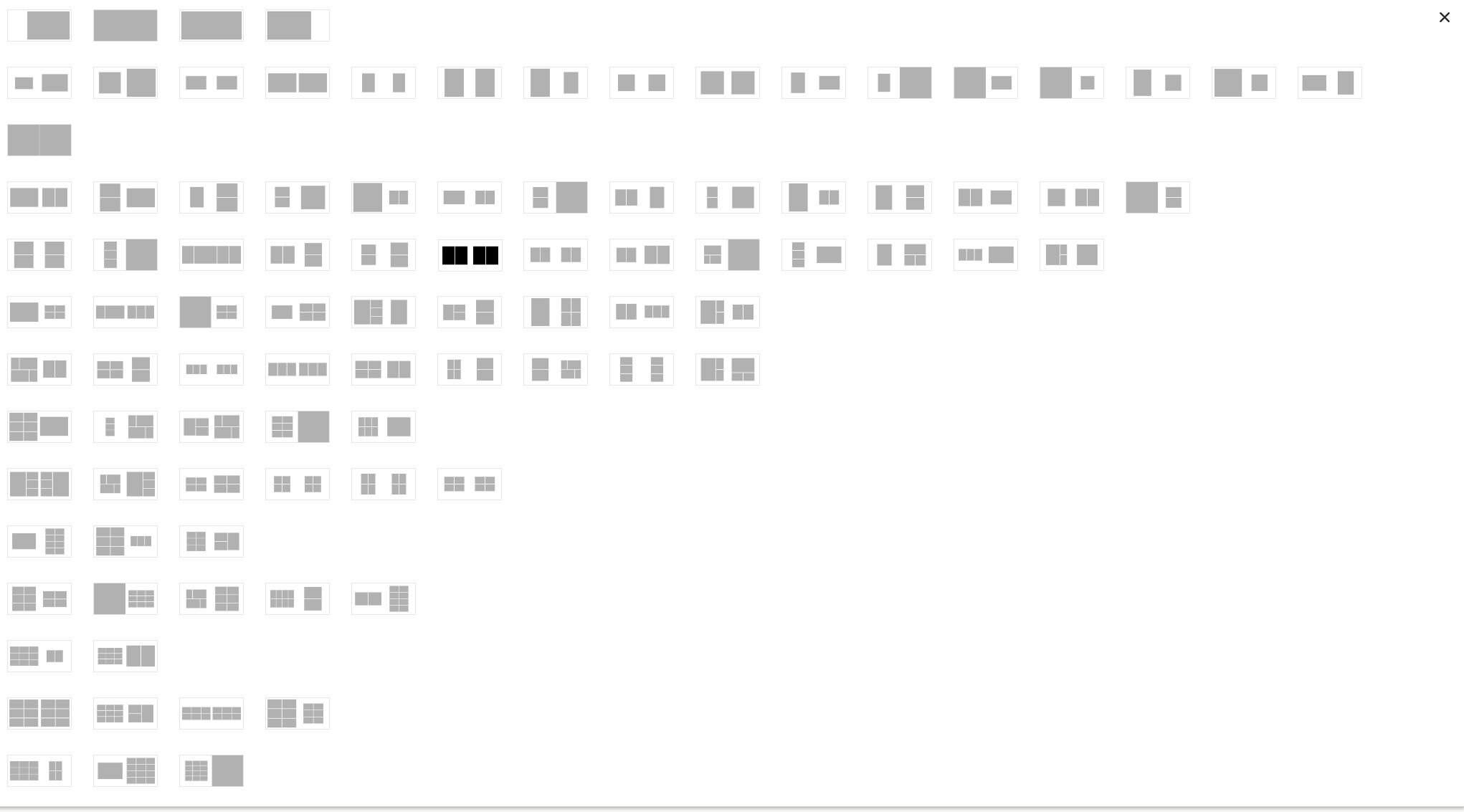
All the layout options you have to choose from
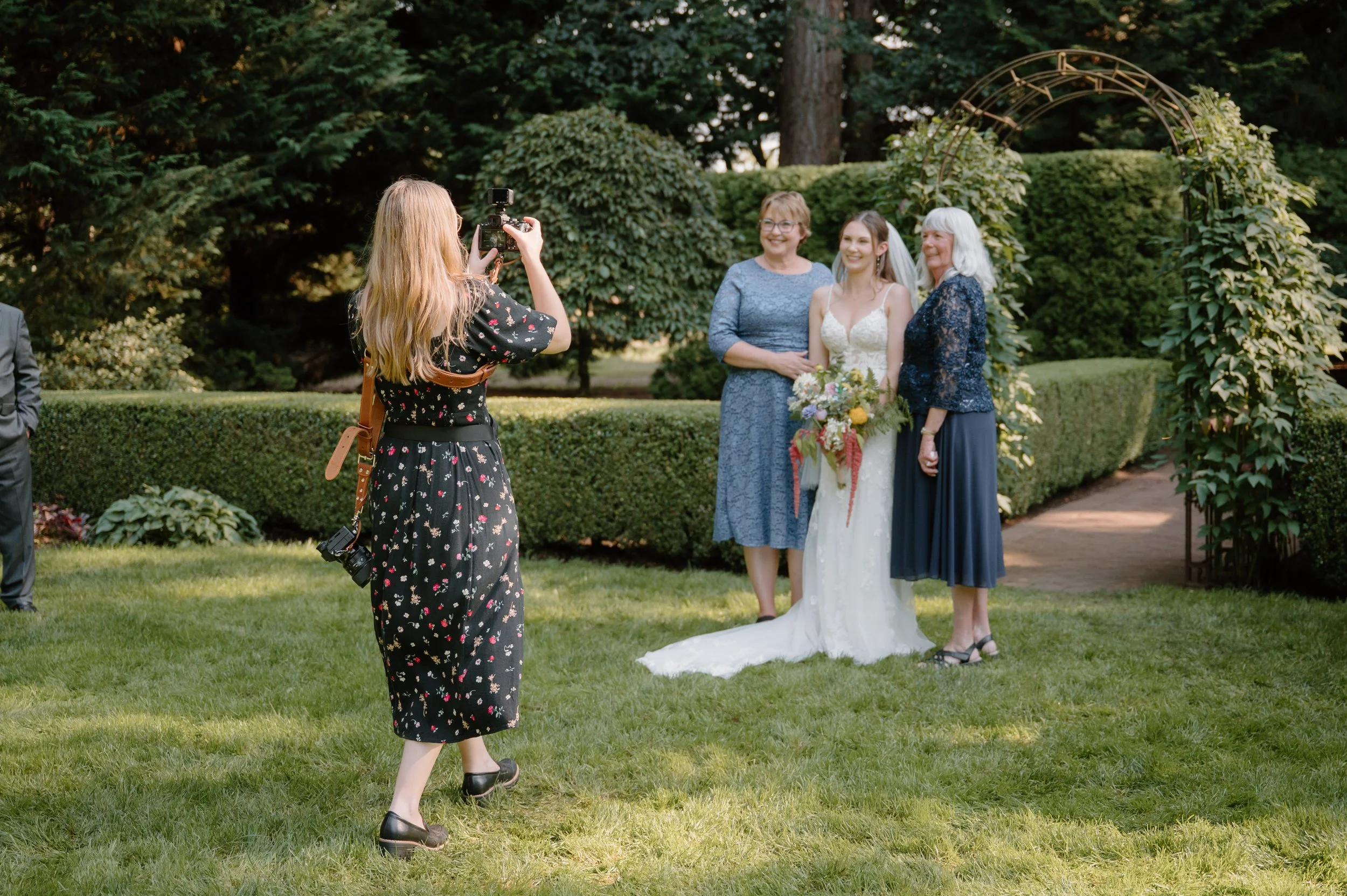
I hope that was helpful!
Thank you for taking the time to read through this!
It’s so important to me that you are able to have the highest quality, nicest versions of your photos.
Let me know if you have any questions about how to download your images or using your image gallery.
